Pre-orderFor magnet makers
Print Like a Pro Course Set up your printer and print magnets right
Pick your printer and paper, print sheets in the right size, and print at events. Short videos show every step.
 Created by Alesia Klimau, the person who made photo magnets a trend.
Lifetime access. Every course update is free.
Lessons open in early December. Black Friday price until November 30, regular price $267.
- even if you've never set up a printer
- From zero
- shown on Mac and Windows
- Epson & Canon
- for software: ninemags Print is free
- $0
Is this you?
- I don't know which printer and paper to buy.
- My photos print too dark or blurry, and I don't know why.
- My print doesn't line up with the cutter, so I get a white edge or a cut-off face.
- I want to print at events, but I don't know how to set it up.
If you nodded to even one of these, this course was made for you.You get a setup you can repeat at home and at events, and you know what to check when a print looks off.
What's inside
Short video lessons, in the order you'll need them.
- 1
Choose your printer and paper
Which printer to buy and why, which paper, how thick for your machine
- 2
Connect and set up
Connect your printer to your Mac or Windows computer and save your settings in ninemags Print, our free printing app
- 3
Right size, bright colors
No white edge, cut lines that match your cutter, three printer settings for color
- 4
Free tools: from photo to sheet
Make your sheets in ninemags or Canva, fit every customer photo, and print an order in ninemags Print
- 5
Print at events
Set up ninemags Print for a live event and print guest photos on the spot
- 6
Fix what goes wrong
How to tell if it's the file or the printer. Lines, faded colors, paper jams
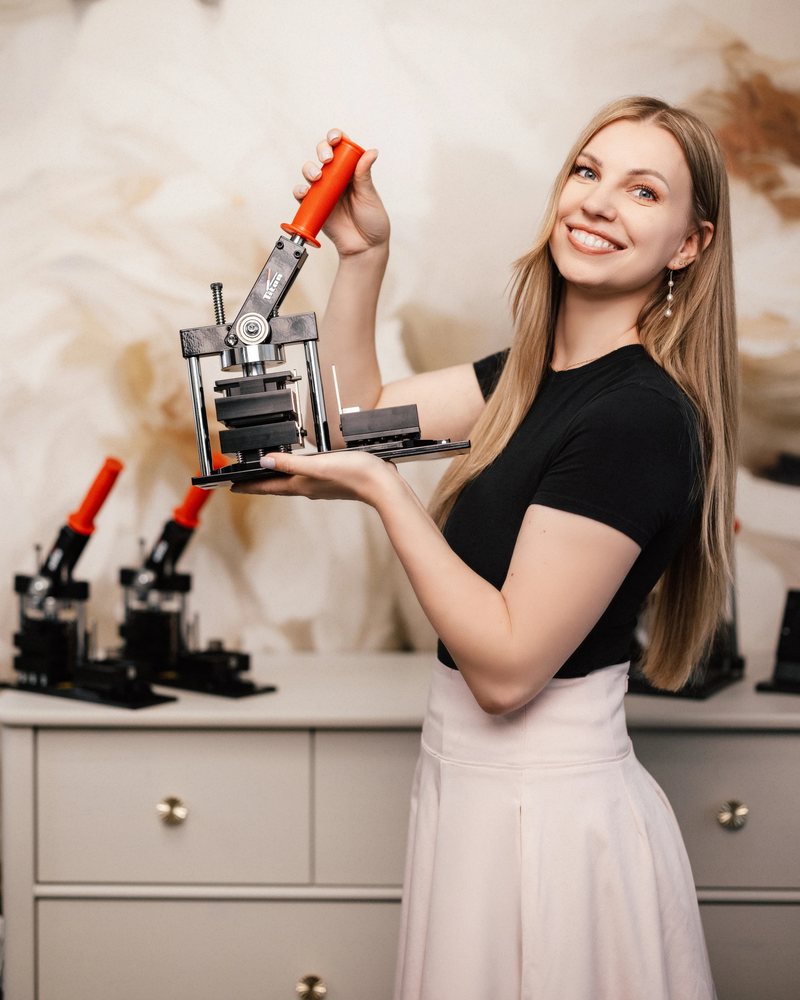
Created by
Alesia Klimau
The person who made photo magnets a trend.
Founder of Heart Printed, Magnets Club® and Titan Press
- Heart Printed started in Columbus, Ohio
- Since 2014
- makers in Magnets Club®
- 2,500+
- followers on Instagram, Facebook and TikTok
- 2.5M+
Print Like a Pro Course
Pre-order · lessons open in early December
You save $153.30 AUD until November 30
- All video lessons when the course opens in early December
- Shown on Epson and Canon printers, on Mac and Windows
- Printing at home and at events with ninemags Print, our free app
- Lifetime access, and every course update is free
- Access by email when lessons open
Digital products are final sale. Refund policy and terms of service.

The Magnets Club®
Get all our courses, and much more, in The Magnets Club®
Alesia's complete program for starting a magnet business from home.
- Making and pricing magnets
- Marketing and selling
- Community and live calls with Alesia
Questions about the course
Yes. The course shows Epson and Canon printers, on a Mac and on Windows. If you have a different printer, the same approach and the same principles still apply.
Start with this course. The first lessons cover which printer and paper to buy, and why.
No. Your machine comes with our setup guides. This course goes deeper into printing: choosing a printer and paper, size, color, and fixing problems.
No. ninemags Print is free, and you can also make your sheets in Canva.
Yes. One part of the course shows how to set up ninemags Print for a live event, so you can print guest photos on the spot.
This course covers the printing side of an event. Finding hosts, pricing and running your magnet station are in the Markets & Events Course.
This is a pre-order. Lessons open in early December, and you get an email with your access the day they open.
No. This course is already included in your Magnets Club® access.
What you pay for this course counts toward it. When you join, you pay the Magnets Club® price at that time minus what you paid for this course.
For life. Come back whenever you get a new printer or switch paper.
Digital products are final sale. Before you buy, look through the lesson list above. See our refund policy for details.
Magnet Making Bundles